
Saffir Commerce Integration
Connect Naver Smart Store, Coupang, Cafe24 and other marketplaces on one screen. See orders from every channel together, with inventory synced automatically.
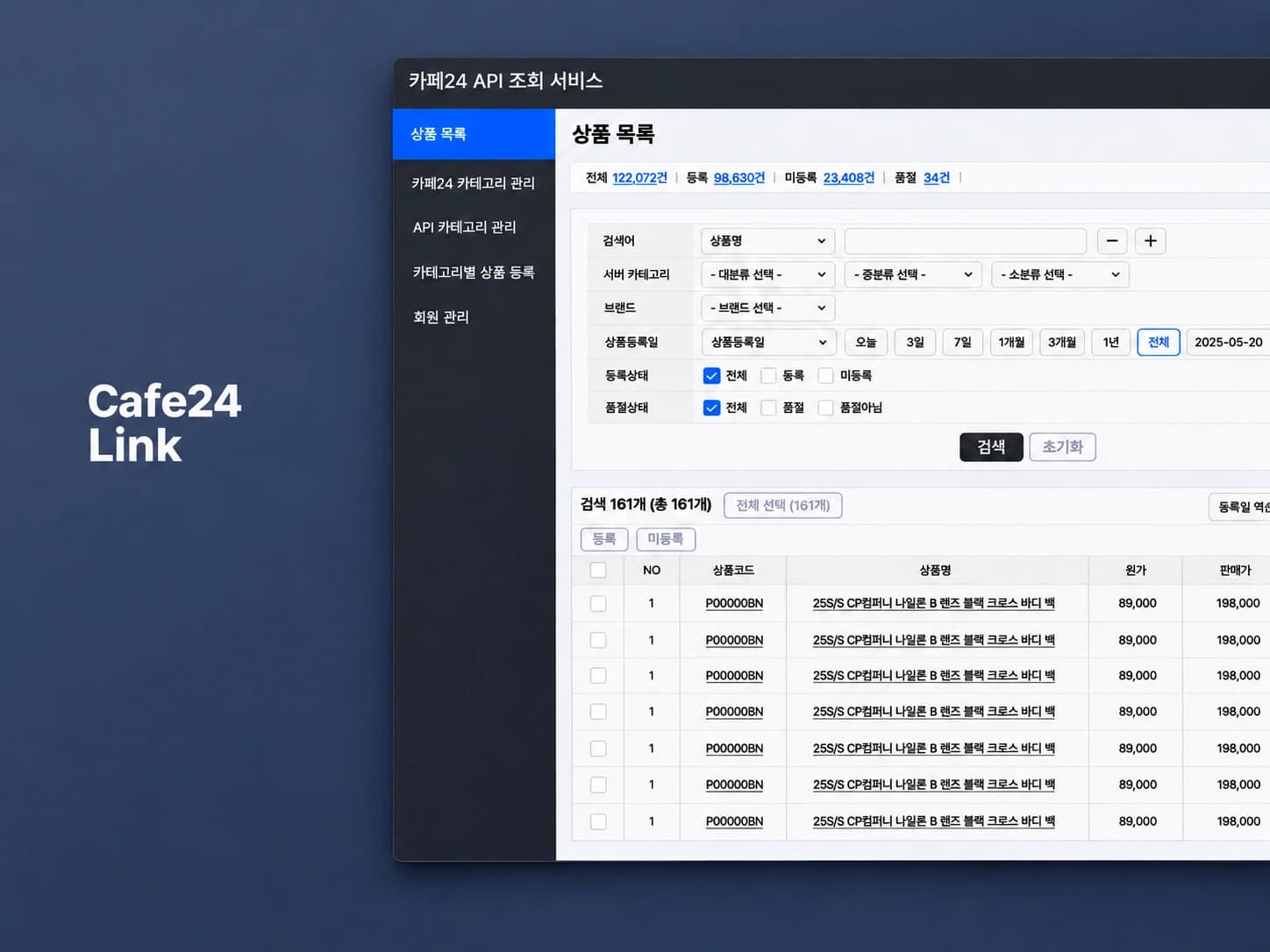

Why Commerce Connect
To sort out orders to ship, you open the Coupang admin. Then you log into Smart Store and Cafe24 to check for new orders, and if the same product sold, you re-check stock on the other marketplaces too.
With Commerce Integration, you see orders from connected marketplaces on one screen. Product inventory is synced across marketplaces.
| Today | After |
|---|---|
| You open each marketplace's admin to check for new orders. | Orders from connected marketplaces are gathered on one screen. |
| When a product sells, you manually update stock on every other marketplace. | Product stock is synced automatically across connected marketplaces. |
Features
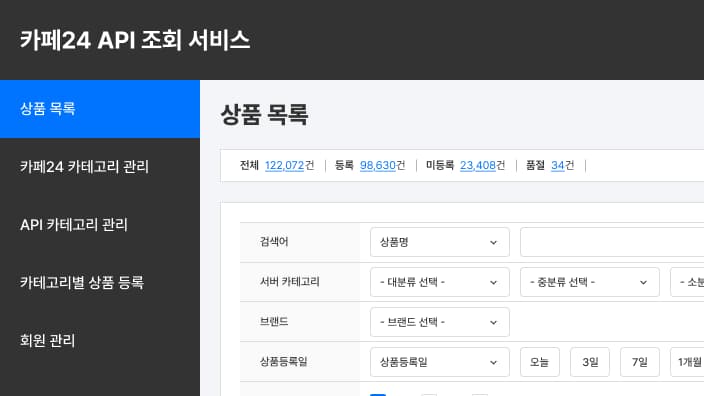
Supported marketplace connections
Connect the marketplaces you use and manage inventory and orders in one place.
- Naver Smart Store · Coupang
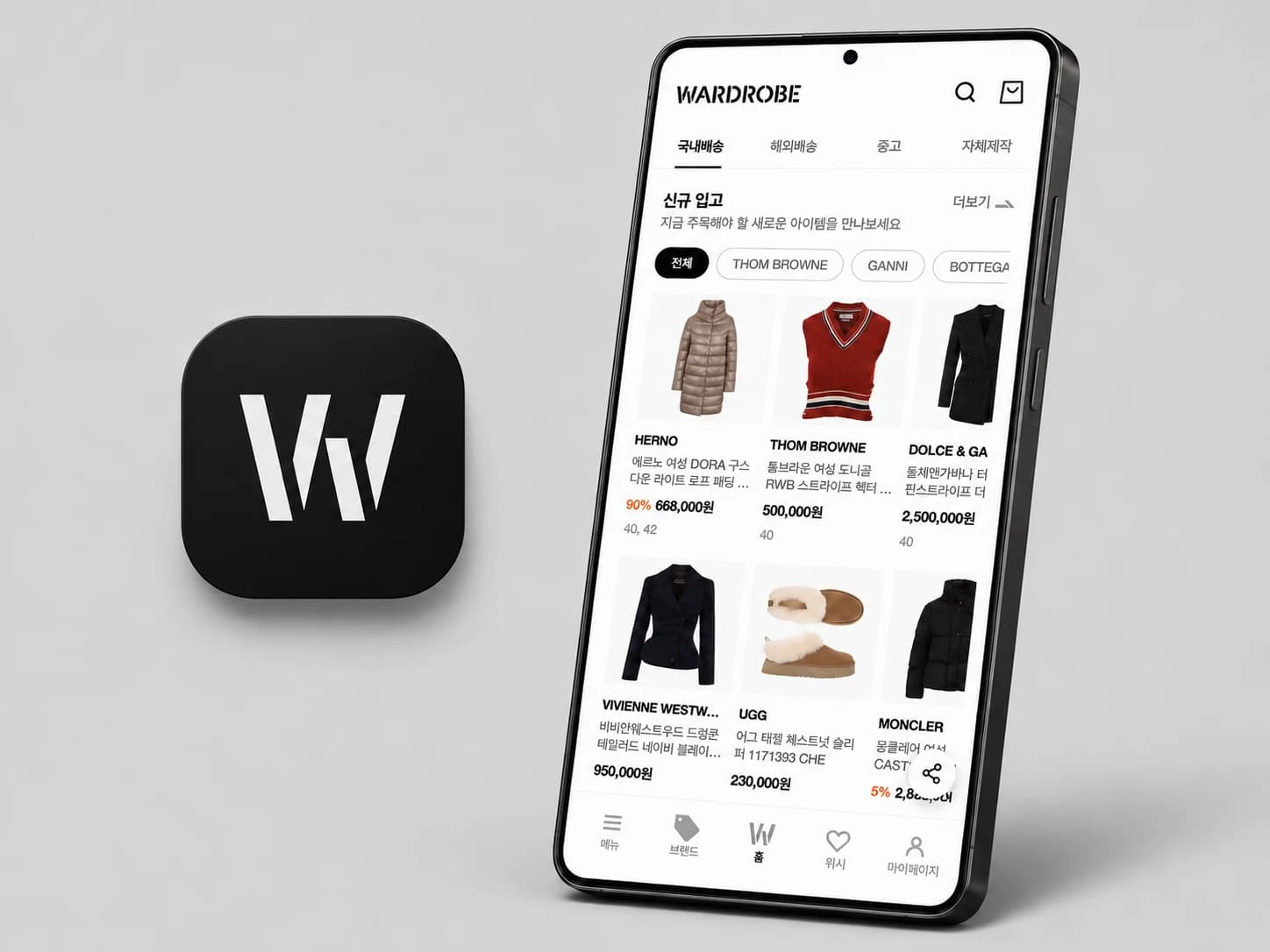
- Cafe24 · Wardrobe
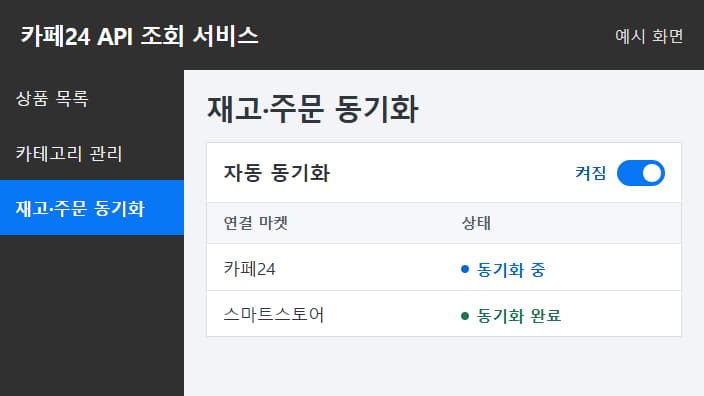
Inventory & order sync
Inventory and orders from connected marketplaces are synced on a dedicated server.
- See new orders from connected marketplaces on one screen.
- When product stock changes, it's updated automatically on connected marketplaces.
- Check sync progress for each marketplace.
Process
Getting started
01.Consultation
We check which marketplaces you use and how many products you carry.
02.Setup
We connect the marketplaces you use. Additional marketplaces are extra.
03.Operate
Inventory and orders are synced on a dedicated server.
| Item | Details |
|---|---|
| Installation | Set up on your dedicated server. |
| Pricing | Setup fee + monthly fee + server operation fee |
| Ownership | Source code belongs to Saffir; usage rights and data belong to you |
| Review | Dedicated server shortcut, server status, monthly usage and billing in the portal |
Pricing
Prices include VAT. Paid after consultation.
| Product | Included | Setup fee | Monthly fee | Apply |
|---|---|---|---|---|
| Commerce Integration | Marketplace integration setup; separate setup fee for each additional marketplace | KRW 2,200,000 | KRW 165,000 | Talk to us |
Questions & Answers
FAQ
Why choose Saffir for commerce integration?
We first check which marketplaces you use and how many products you carry, then connect the channels you need. New orders from connected marketplaces show up on one screen and inventory syncs automatically, so you spend less time opening each channel's admin and adjusting stock.
Where are the solutions installed?
Each one is set up on the client's own dedicated server. The Saffir portal gives you a shortcut to that server, its status and your billing.
Who owns the data?
Data in installed solutions belongs to the client.
Which marketplaces does Commerce Integration support?
We support Naver Smart Store, Coupang, Cafe24 and Wardrobe. Adding a marketplace incurs a separate setup fee.
How is the server operation fee set?
It's based on usage tiers (Starter, Standard, Pro, Enterprise), and billed monthly based on actual usage.
Not sure which solution fits?
Tell us how you work today and we'll suggest the right solution or development scope.