
Saffir Integrated ERP
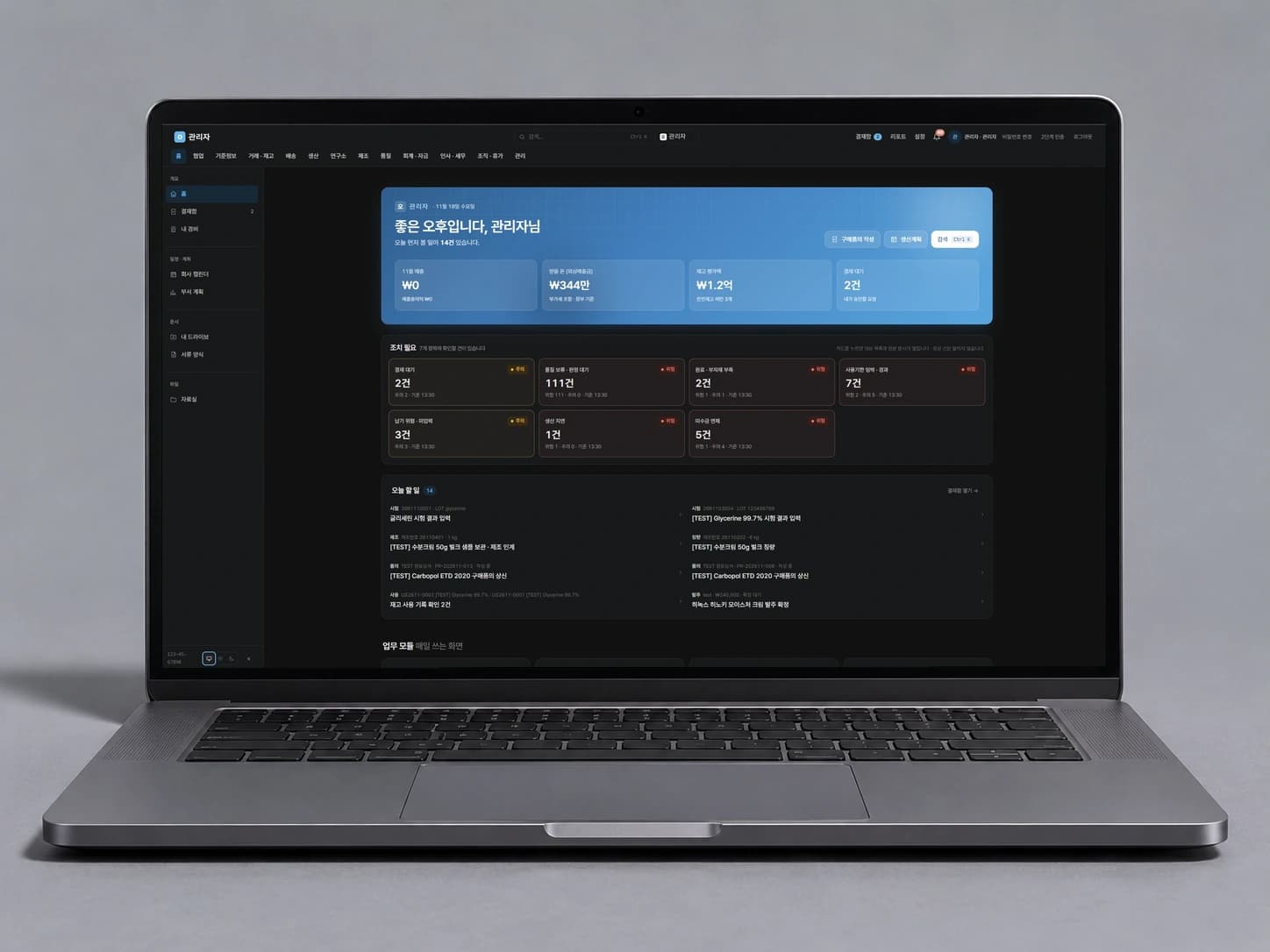
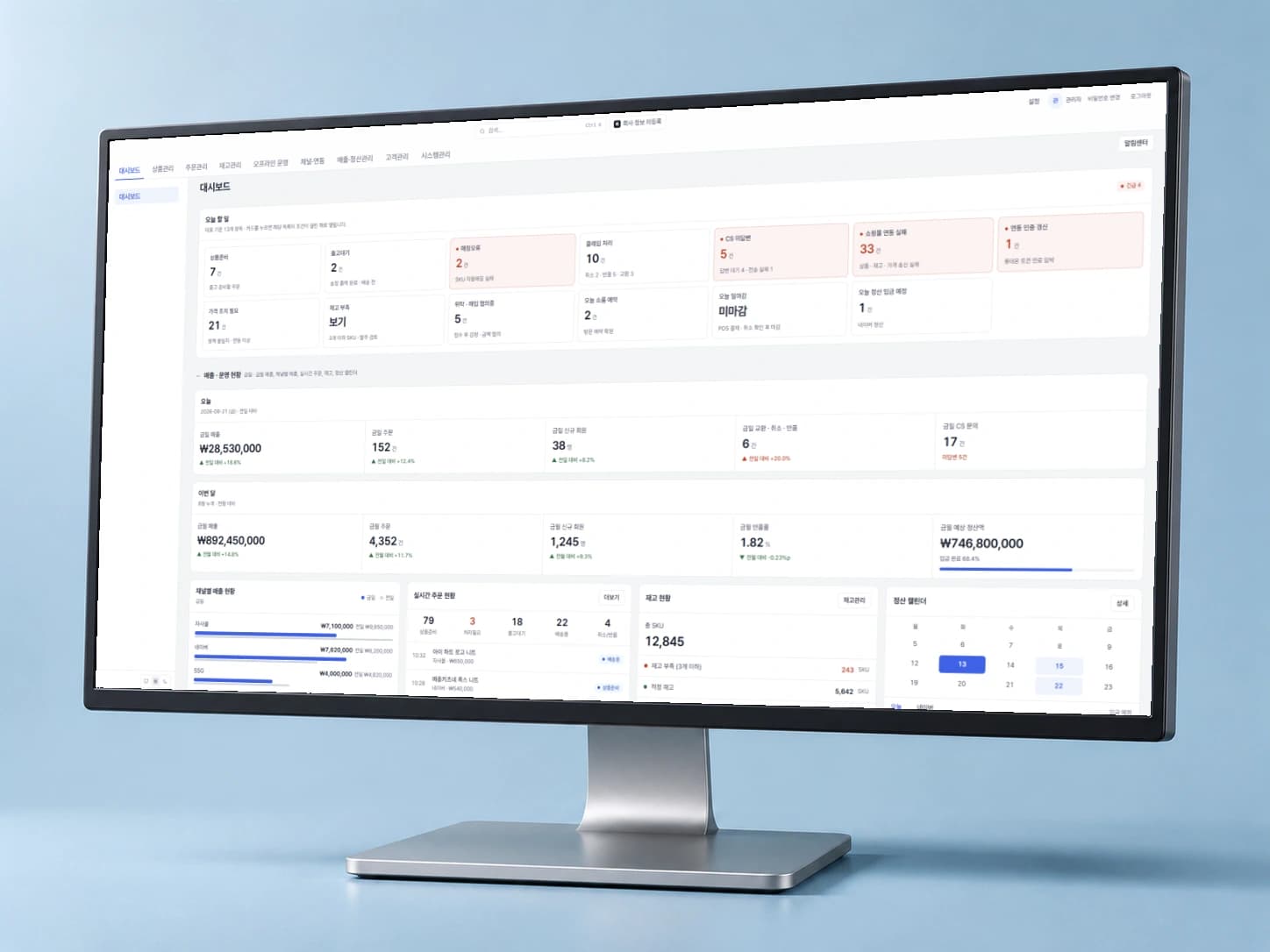
Manage everything from inventory checks to purchasing and settlement in one system. Existing Excel data is organized by workflow and migrated step by step.
Why Business ERP
To decide how much to order, you open the inventory file first. The latest receipts are in another file, and at month-end you cross-check the settlement sheet to make sure the amounts match.
Integrated ERP connects inventory, purchasing and settlement in one system. We first review your current spreadsheets and workflows, then migrate your existing data and work in stages.
| Today | After |
|---|---|
| Inventory and purchase records live in different files, so you reconcile numbers before ordering. | See inventory and purchase records together in one system. |
| Every month-end, you gather multiple spreadsheets to check settlements. | Check settlements in the same system that manages inventory and purchasing. |
| Each existing spreadsheet has its own format and conventions, making it hard to move everything at once. | Existing data is cleaned up and moved into the new system workflow by workflow. |
Features
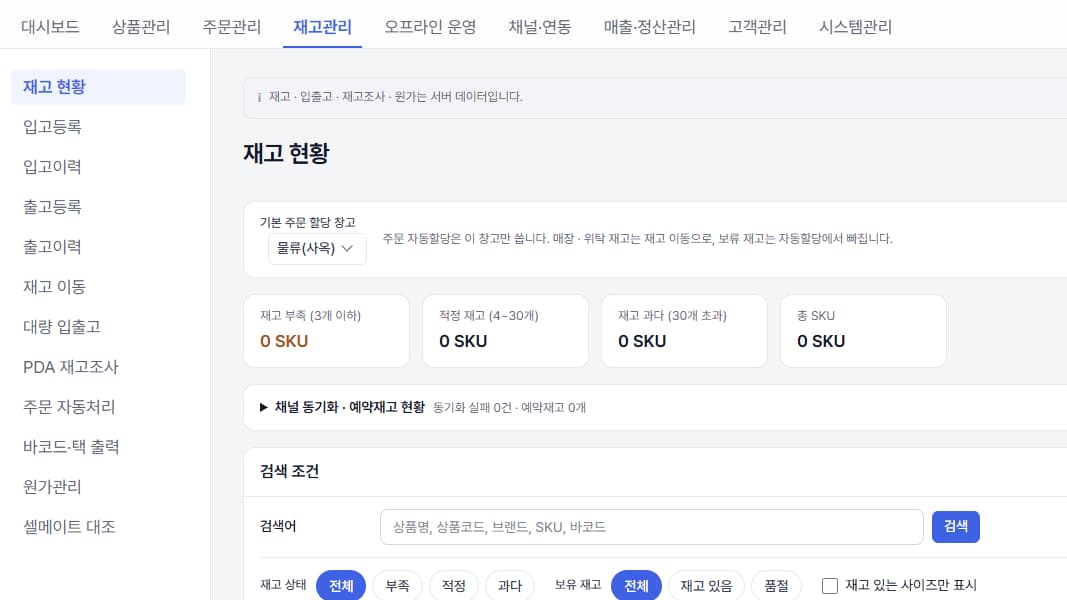
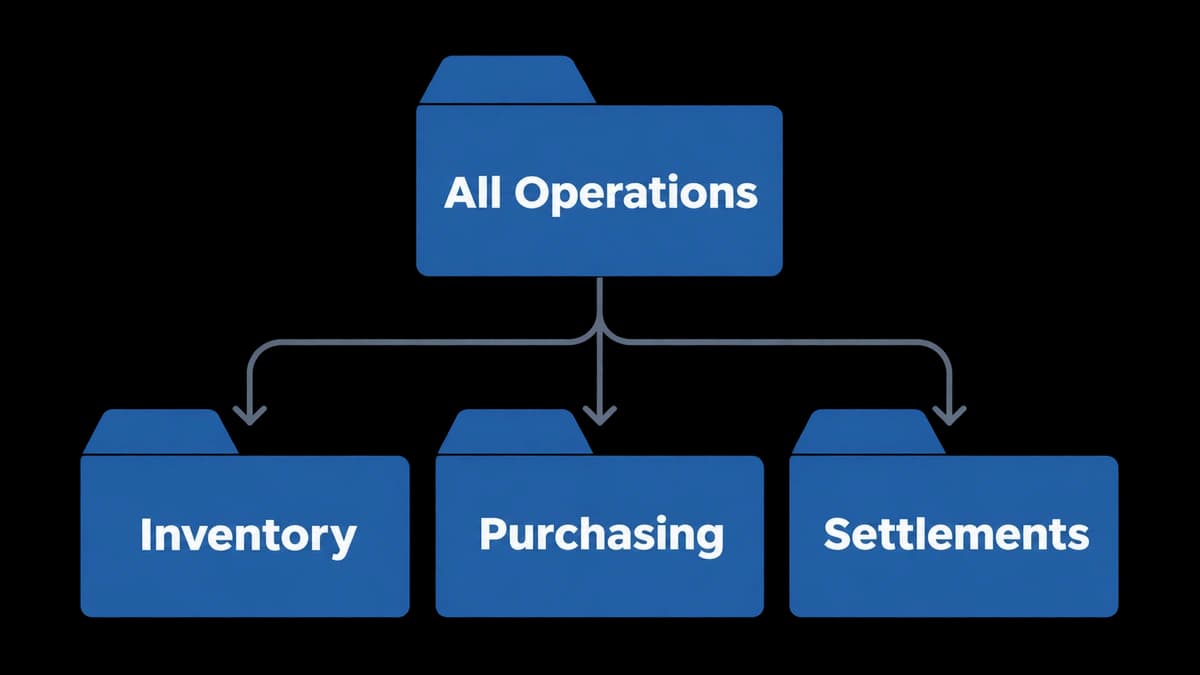
Inventory, purchasing & settlement in one
Manage inventory, purchasing and settlement records scattered across spreadsheets in one system.
- See stock and inbound/outbound history by product and warehouse.
- Spot low-stock items and manage purchase orders.
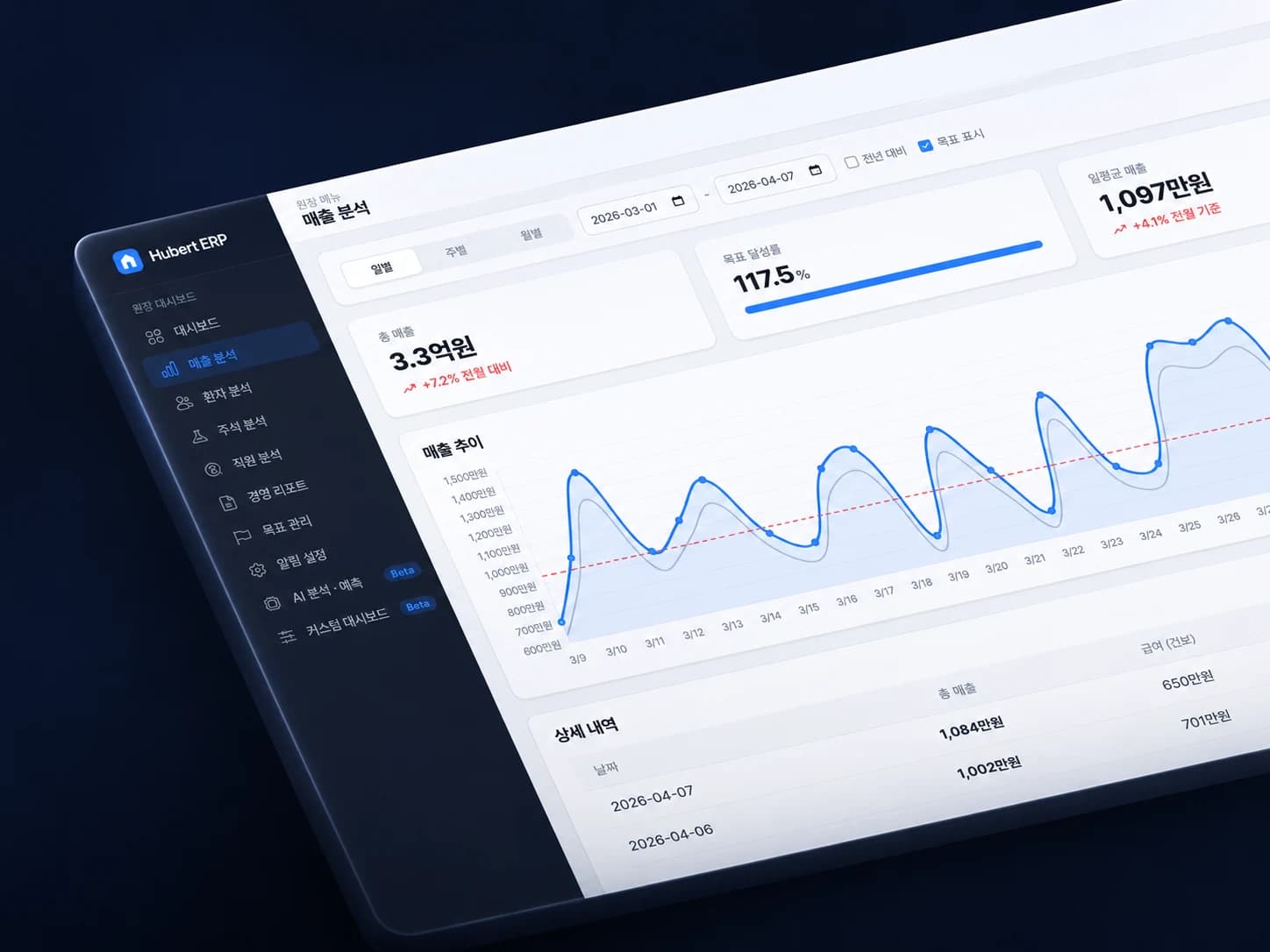
- See sales and settlement status by sales channel together.
Phased transition
We look at how you work today and set the order of migration by workflow.
- Decide which to move first: inventory, purchasing or settlement.
- Define what each person enters and reviews.
- We confirm each migrated workflow runs as it should before moving on.
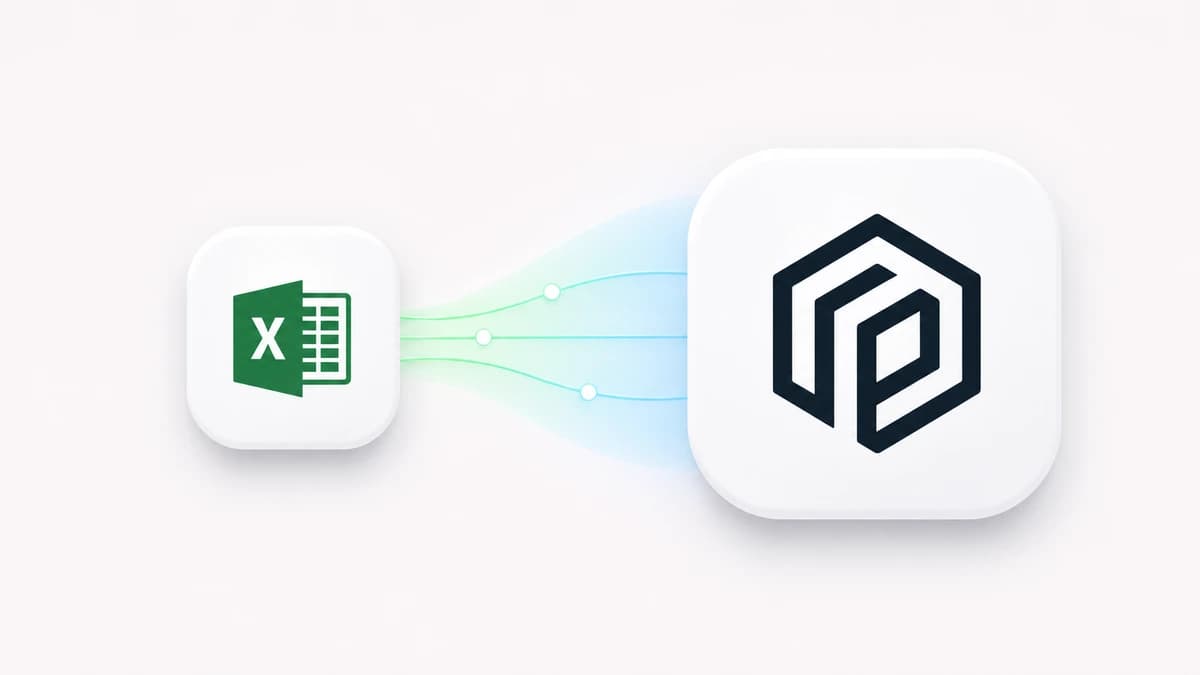
Migrating existing Excel data
Existing Excel files are cleaned up for the ERP, validated and then migrated.
- Map spreadsheet columns such as product codes and SKUs to ERP fields.
- Before import, check for missing required values and format errors.
- After migration, counts and key fields are checked against the original spreadsheets.
Process
Getting started
01.Assessment & design
We map out the spreadsheets and workflows you use today.
02.Build quote
Scope and cost are set from the assessment results.
03.Phased transition
We migrate workflow by workflow.
04.Data migration
We move your existing Excel data.
| Item | Details |
|---|---|
| Installation | Set up on your dedicated server. |
| Pricing | Setup fee + monthly fee + server operation fee |
| Ownership | Source code belongs to Saffir; usage rights and data belong to you |
| Review | Dedicated server shortcut, server status, monthly usage and billing in the portal |
Pricing
Prices include VAT. Paid after consultation.
| Product | Included | Phase 1 assessment & design | Monthly fee | Apply |
|---|---|---|---|---|
| Integrated ERP | Phase 1 assessment & design, quote after build-out, contracts by phase | KRW 1,100,000 | Custom quote | Apply for a Phase 1 assessment |
Questions & Answers
FAQ
Why choose Saffir for an integrated ERP?
We start by looking at your current spreadsheets and inventory, purchasing and settlement flows, and decide which work to move first. As we switch over workflow by workflow, we check existing data for gaps and format issues, and confirm each workflow actually runs before moving to the next step.
Where are the solutions installed?
Each one is set up on the client's own dedicated server. The Saffir portal gives you a shortcut to that server, its status and your billing.
Who owns the data?
Data in installed solutions belongs to the client.
Do I have to switch to the ERP all at once?
No. We start with a Phase 1 assessment and design, switch over in stages and migrate the data you've been using.
How is the server operation fee set?
It's based on usage tiers (Starter, Standard, Pro, Enterprise), and billed monthly based on actual usage.
Not sure which solution fits?
Tell us how you work today and we'll suggest the right solution or development scope.